Why Does My Phone Audio Keep Cutting Out? Common Causes Explained
Have you ever been in the middle of an important phone call when your audio suddenly cut out? It’s more common than you might think.
Here we explore, “Why Does My Phone Audio Keep Cutting Out? we’ll delve into the typical reasons behind this frustrating issue. By understanding these causes, you’ll be better equipped to troubleshoot your device and enjoy uninterrupted sound during calls or music.
Common Causes of Phone Audio Cutting Out
If you’re wondering, “Why does my phone audio keep cutting out?” you’re not alone. One common culprit is Bluetooth interference.
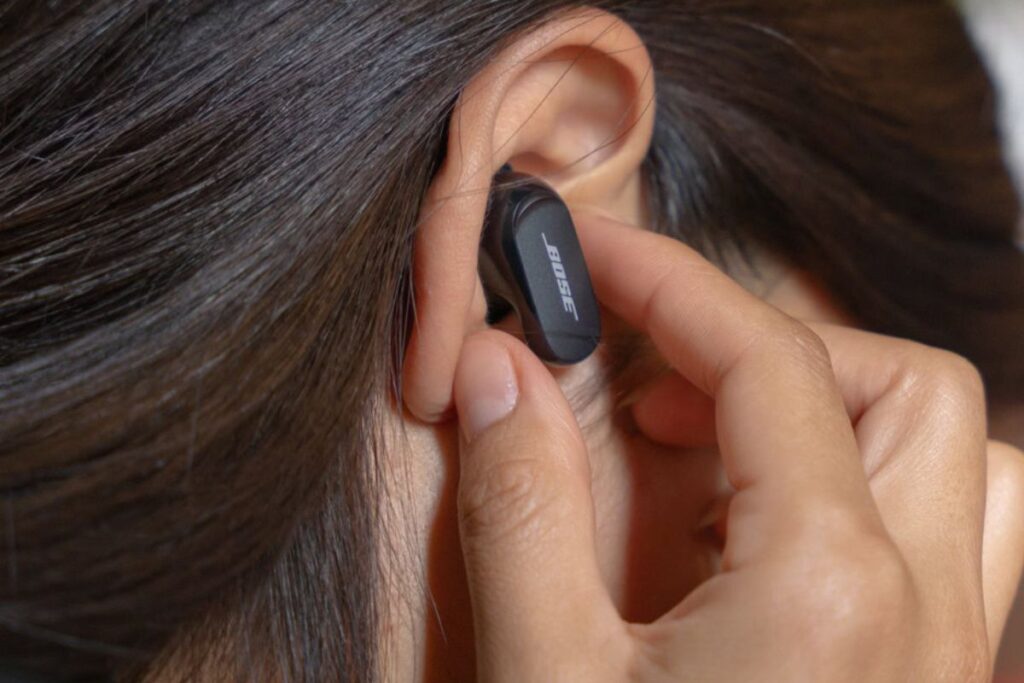
This can happen when multiple devices are attempting to connect simultaneously, creating a crowded signal space. If you’re in a bustling area or near other electronic devices, try disconnecting some of the Bluetooth connections to see if your audio quality improves.
Water Damage
Water damage can be sneaky, often showing up long after the initial incident has occurred. If you’ve ever found yourself wondering, “Why does my phone audio keep cutting out?” there’s a good chance moisture may be lingering in those tiny crevices. Even a small spill or a humid environment can disrupt your device’s internal components, leading to frustrating audio issues.
Dust and Debris
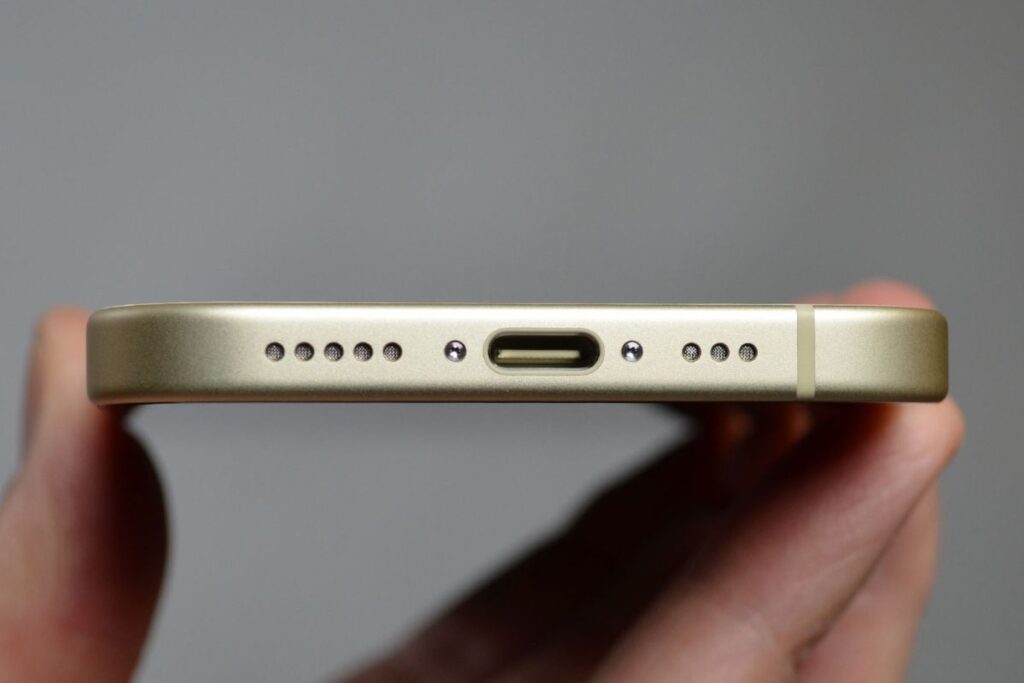
Dust and debris are often unseen culprits in the world of technology, silently wreaking havoc on our devices. When it comes to phones, even a thin layer of dust can obstruct microphones and speakers, leading to frustrating experiences like audio cutting out on phone calls.
This seemingly trivial buildup creates barriers that hinder sound quality, making communication feel choppy and disconnected.
Software Glitches
Software glitches can be as frustrating as they are mysterious, especially when your phone sound keeps dropping unexpectedly. This can manifest in various annoying scenarios , like when phone audio issues disrupt an important call or Bluetooth audio cutting out during your favorite playlist. It’s not just inconvenient; it can interrupt your day and leave you searching for answers.
Initial Troubleshooting Steps
When your phone audio starts cutting out, the first step is always the simplest: check your Bluetooth settings.
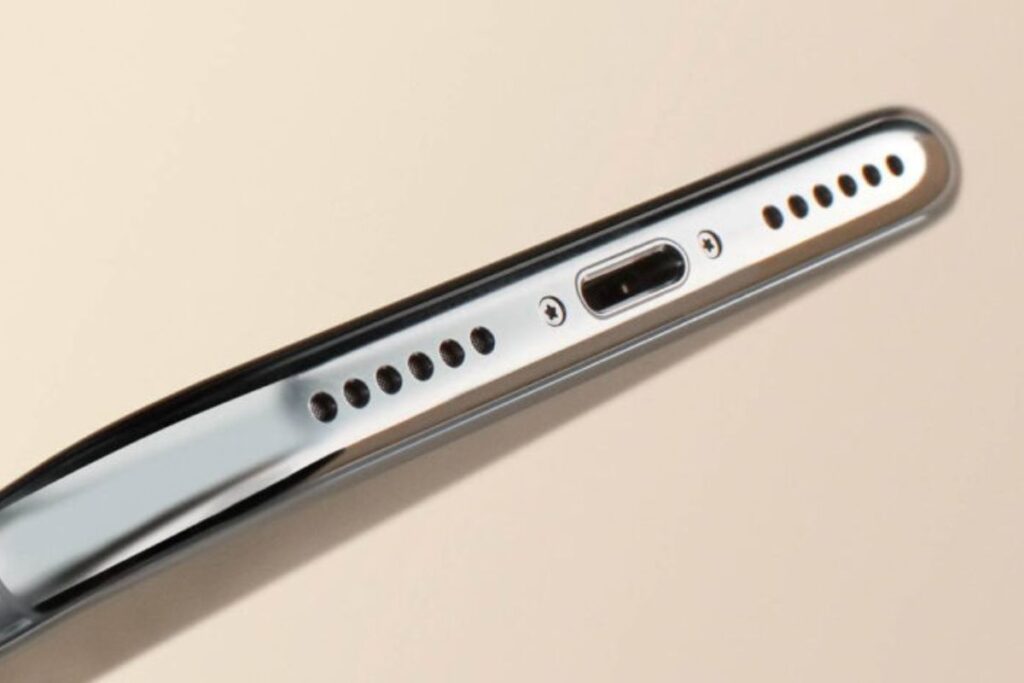
Many users forget that their device might be connected to a wireless headset or speaker, which can lead to audio interruptions. Disconnecting and reconnecting can sometimes resolve the issue.
Checking for Physical Obstructions
When troubleshooting your phone’s sound problems, checking for physical obstructions is a crucial step. Dust, lint, or even a stubborn smudge can block your device’s speaker and microphone, leading to the notorious audio cuts during calls. Regularly inspecting these openings can prevent poor phone audio quality and mobile sound interruption.
Restarting Your Phone
Restarting your phone can often seem like a basic troubleshooting step, yet it holds surprising potential for resolving issues like speaker sound dropping or mobile sound interruptions. Learn how to fix your speaker sound cut with simple troubleshooting steps to restore clear and consistent audio on your phone.
When your phone is restarted, it clears temporary data and resets connections, helping to eliminate glitches that may cause the phone sound to fade in and out. This simple action can refresh background processes, allowing your device to function optimally.
You can read this, Why Does My Phone Automatically Go on Speaker: Solving the Mystery
Volume and Sound Settings
The intricacies of volume and sound settings can often be overlooked, yet they play a pivotal role in our daily mobile experience. Imagine being absorbed in a podcast when suddenly, the sound fades in and out, an all too-common phone sound fading issue. This isn’t just a mere inconvenience; it can disrupt your focus and enjoyment, leaving you scrambling to troubleshoot phone audio.
Technical Insights
When your phone audio keeps cutting out during calls, it’s often a sign of connectivity problems or software glitches. Users commonly report intermittent audio on phone calls,
Experiencing phone audio issues can be both frustrating and confusing. which could stem from outdated firmware or insufficient signal strength. Don’t overlook basic fixes like toggling Airplane mode or restarting your device; these can often resolve Bluetooth audio cutting out issues.
Speaker Design
The intricacies of speaker design are pivotal in combating common issues like audio cutting out on phone calls. Whether you’re facing Bluetooth audio cutting out or the frustrating phenomenon of phone sound keeps dropping, understanding the engineering behind speakers can lead to better solutions.
Modern designs prioritize vibration control and material selection to minimize interference, addressing the frequent phone audio glitches that plague users.
Sound Propagation
Sound propagation is a fascinating interplay of physics and technology, directly impacting our daily communication. When you’re experiencing audio cutting out on phone calls or noticing that your Bluetooth audio keeps cutting out, it’s a reminder that sound travels in waves, influenced by its environment and medium.
These disruptions can stem from various factors, from interference to distance, whether you’re using an Android or an iPhone.
Water-Resistant Phones
Water-resistant phones have revolutionized how we view durability in our devices. No longer do we cringe at the thought of a spilled drink or sudden downpour; with a protective rating like IP68, these phones can shrug off water like a pro.
Yet, many users still report intermittent audio issues, like audio cutting out on phone calls or Bluetooth audio cutting out, which can be surprisingly frustrating in otherwise rugged devices.
Professional Repair and Service
When you realize your phone’s voice quality is affected and audio keeps cutting out during calls, it can be incredibly frustrating. Professional repair and service not only identifies the underlying issues like damaged components or software glitches but also provides tailored solutions.
Whether it’s Bluetooth audio disconnecting frequently or distorted audio on phone calls, expert technicians have the tools and know-how to get your device back on track.
When to Seek Professional Help
When you start experiencing issues like audio cutting out during calls or the dreaded Bluetooth audio disconnecting frequently, it might feel frustrating. But how do you know when it’s time to seek professional help?
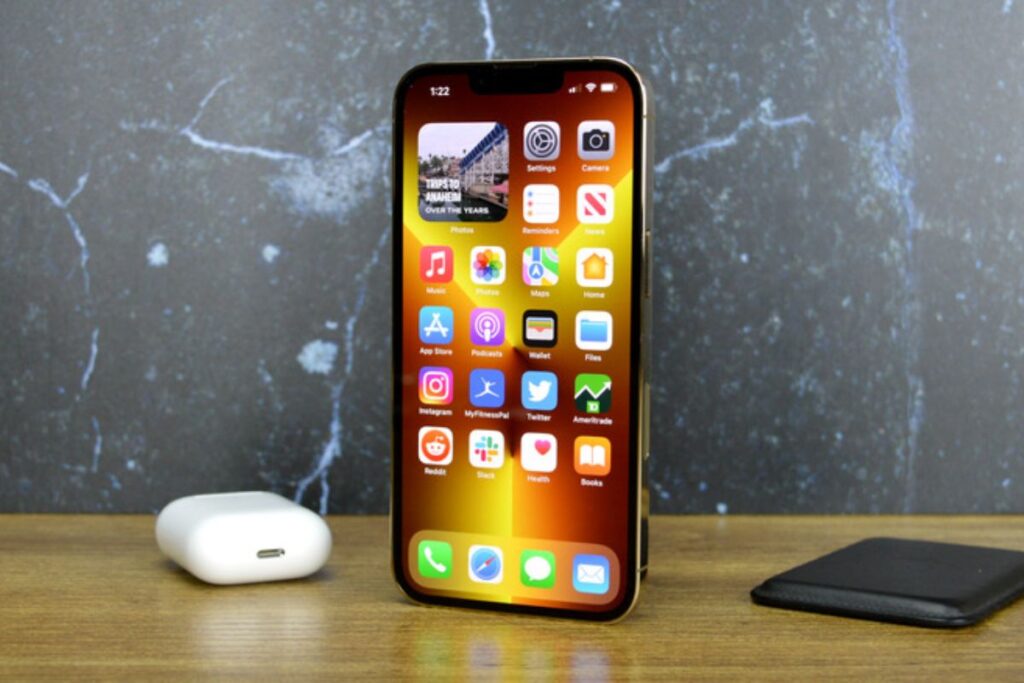
If your phone’s speaker sound is breaking or you’re dealing with distorted audio on phone calls, it’s often a sign that you may need expert assistance. After all, sporadic interruptions in sound or music cutting out on your phone can point to underlying hardware or software issues that could worsen if left unchecked.
Warranty and Insurance
When dealing with audio issues on your phone, like persistent cutouts that disrupt calls or videos, it’s crucial to consider your warranty and insurance options. If you’re grappling with questions like “why does my phone audio cut out randomly?” or “what causes intermittent audio on Android phones?”, knowing your coverage can provide peace of mind. Many manufacturers offer limited warranties that cover defects, but accidental damage often requires insurance.
Cost of Repair
When your phone audio keeps cutting in and out, it can be frustrating, especially if you’re trying to enjoy a movie or catch up on your favorite series. The cost of repair often hinges on the cause of the problem.
If it’s a result of water damage, for instance, it can escalate from a simple speaker replacement to a more complex internal fix. In such cases, it’s crucial to consider whether investing in repair is worth it, particularly if you’re facing recurring audio issues.
Prevention and Maintenance
Preventing audio issues like Bluetooth audio disconnecting frequently or distorted audio on phone calls starts with regular maintenance and smart usage habits. Keeping your device updated ensures that you benefit from the latest fixes and enhancements.
Over time, app installations and updates can lead to compatibility issues, so checking which apps are running in the background can significantly reduce phone call audio interruptions and those pesky volume fluctuations.
Protective Accessories
When it comes to protective accessories for your devices, don’t just think of cases and screen protectors; consider how these items can elevate your tech experience. For instance, high-quality phone cases can not only shield your device from drops but can also enhance sound quality.
Some cases are designed with acoustic engineering that amplifies your phone speaker sound, preventing it from breaking or muffling while you’re binge-watching your favorite series or rocking out to your playlist.
Regular Cleaning
Regular cleaning isn’t just about aesthetics; it’s about creating an environment where clarity thrives, both visually and audibly. When we neglect dust and grime, especially around our devices, we might not realize that accumulated debris can cause distorted audio on phone calls. It’s like trying to listen to your favorite song through a broken speaker; the beauty gets lost amid the clutter.
Software Updates
Software updates are the lifeblood of smooth device performance, often addressing those frustrating moments when your music cuts out on your phone. Regular updates not only patch security vulnerabilities but also enhance app functionality, ensuring a seamless listening experience. Missing out on these updates can lead to hiccups , like your favorite track suddenly pausing mid-song.
Understanding Audio Quality
Audio quality plays a pivotal role in our daily digital interactions, particularly during phone calls. Often, we overlook how critical sound clarity can be, especially when interruptions disrupt the flow of conversation. Picture this: you’re discussing an important project, and suddenly the audio dips, leaving you straining to catch what was said.
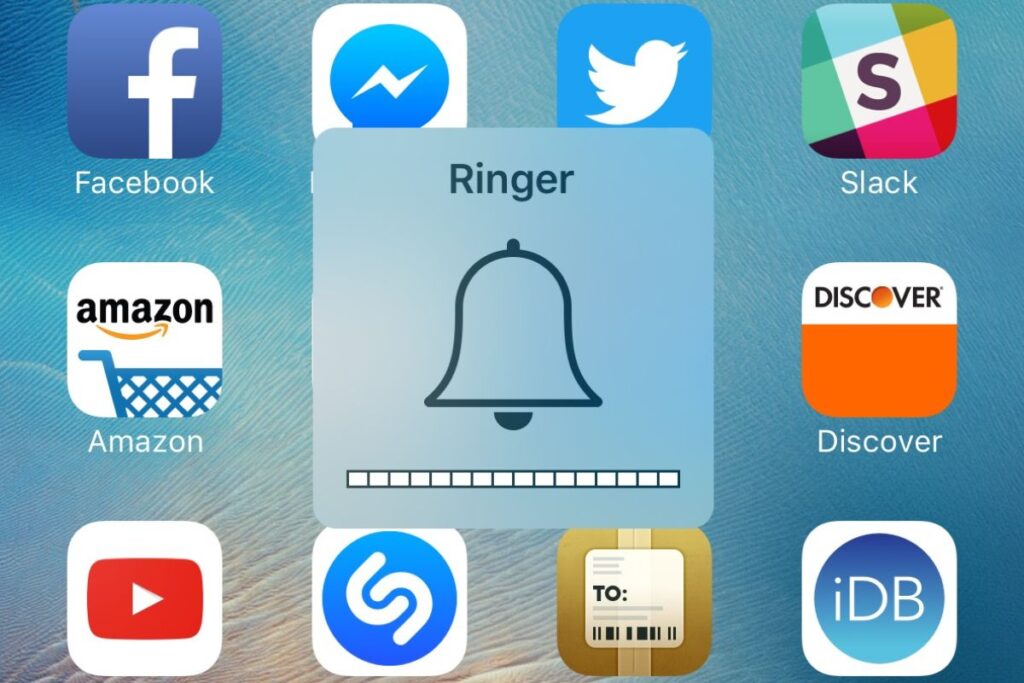
This not only hampers communication but can also lead to misunderstandings that ripple into larger issues. By understanding the factors affecting sound quality like bandwidth limitations or background noise we can take steps to enhance our audio experiences.
Components Affecting Sound
The components affecting sound in our devices can significantly impact how we experience audio. For instance, a sound delay or cut on a phone often stems from the interplay between the device’s hardware and software.
When a phone processes audio signals, any lag in the CPU or interruptions from other apps can create this frustrating delay, affecting everything from music playback to video calls.
Signs of Speaker Failure
One of the first signs of speaker failure often manifests as a distorted sound that creeps into your phone calls or media playback. If you’re experiencing crackling noises or intermittent silences, it’s a clear indication that the earpiece may be on its way out. This audio issue often goes unnoticed initially, but it can quickly escalate into frustration.
Impact of Environmental Factors
Environmental factors play a crucial role in the performance of wired earphones. Imagine the sound cutting out mid-song because of moisture build-up from humidity or the fraying of wires due to temperature fluctuations. These seemingly minor elements can significantly degrade audio quality, turning your listening experience into frustration.
Conclusion
In short, experiencing Why Does My Phone Audio Keep Cutting Out?can be both frustrating and puzzling. From connectivity issues to software glitches and hardware malfunctions, a variety of factors can contribute to this pesky problem.
By troubleshooting these common causes, you can often restore your audio experience to its full potential. Don’t let interruptions ruin your music, calls, or favorite podcasts! Dive into these solutions today, and get ready to enjoy uninterrupted sound like never before.
FAQs
Why is My Phone Audio Cutting Out Randomly?
Your phone audio could be cut out for several reasons, including software glitches or hardware issues. Start by checking if there’s a pending software update, as bugs can often be fixed with the latest version. Additionally, try restarting your phone, which can resolve temporary glitches.
How do I Fix the Audio Glitch on My Phone?
To fix audio glitches on your phone, start by restarting the device. This simple step often resolves minor software issues and refreshes the system.
How do I Stop My Phone from Cutting Out?
To stop your phone from cutting out, start by checking your signal strength. If you’re in an area with weak reception, consider moving to a location with better coverage.
What Causes Audio Issues?
Audio issues can arise from various sources, including hardware malfunctions, faulty connections, or software glitches. For example, loose cables or damaged ports can disrupt the signal, leading to static, distortion, or complete loss of sound.